Outlook archives, without Outlook
Open Outlook Personal Storage Table archives in a native Mac workspace. PST Office reads the original folder hierarchy while keeping the source file unchanged.

PST Office · Coming soon · macOS 15+
Browse the original folders in a PST file, search every message, recover attachments, export to open formats, or restore useful mail without requiring Outlook.
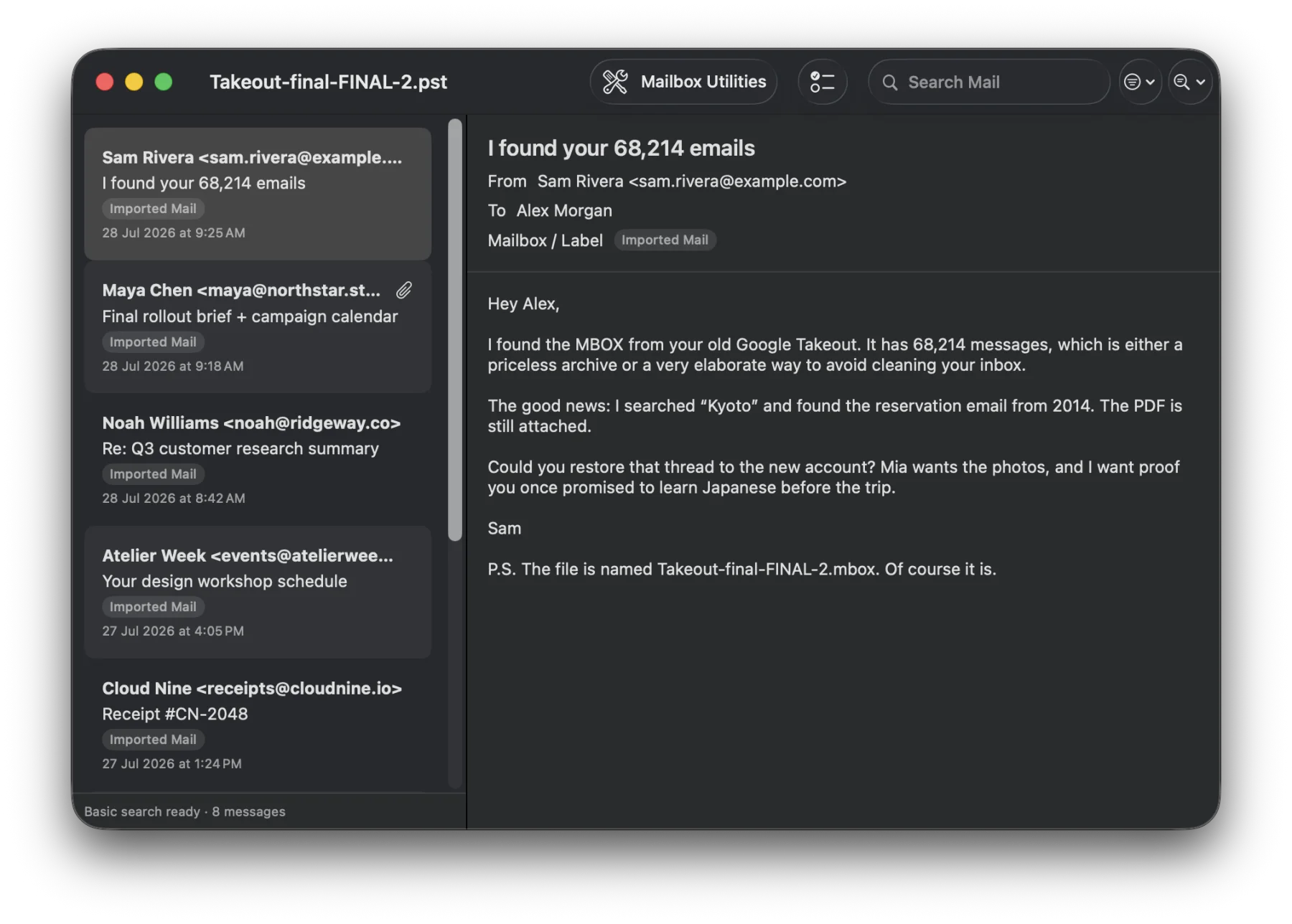
A private Outlook archive workspace
Open Outlook Personal Storage Table archives in a native Mac workspace. PST Office reads the original folder hierarchy while keeping the source file unchanged.
Find mail by sender, recipient, subject, date, folder, attachment, or message text. Build a reusable content index only when you need deeper search.
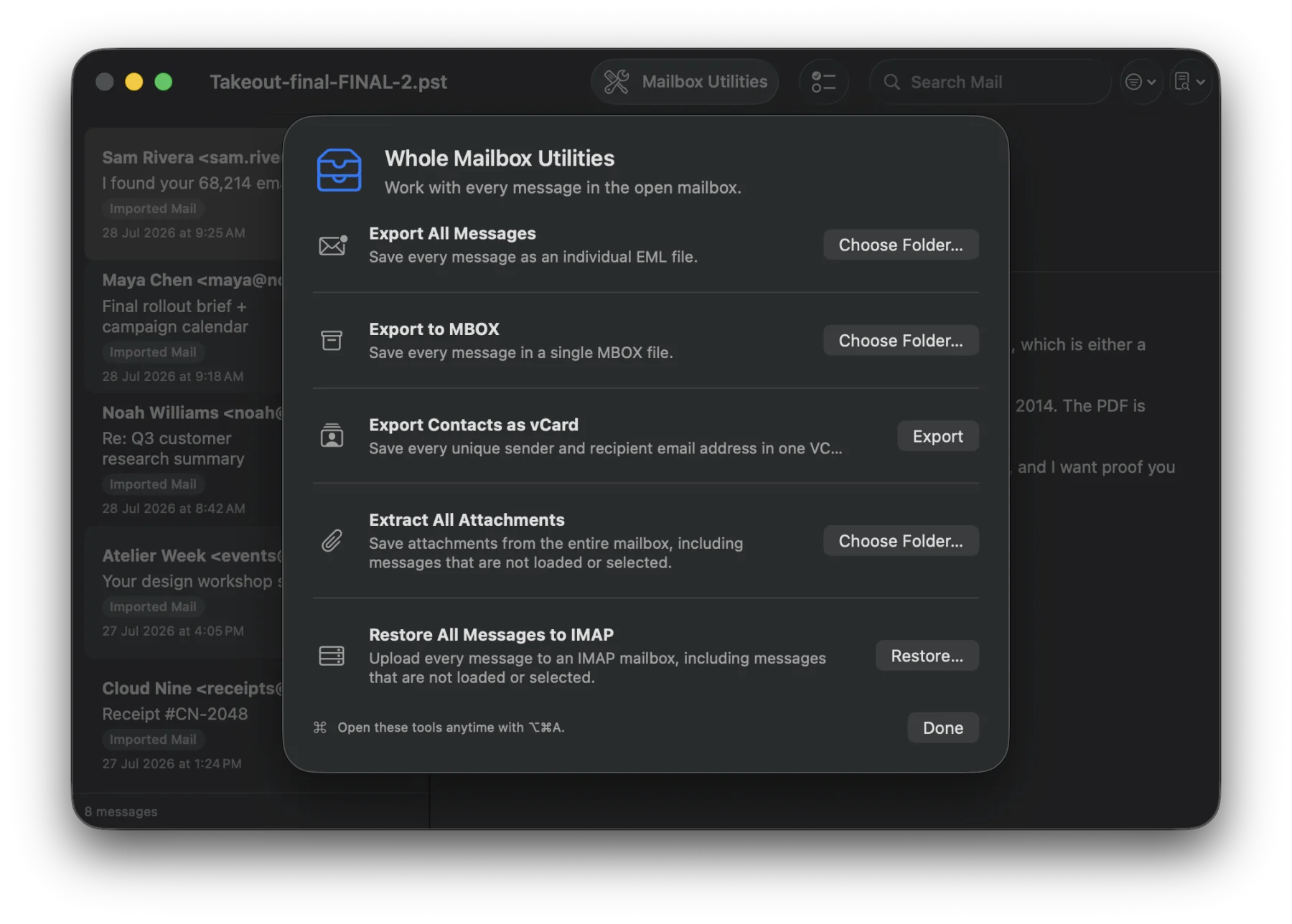
Save messages as EML, export a complete archive to MBOX, extract attachments, collect contacts as vCard, or restore useful mail to IMAP.
01 · Find
Use fast header search for a quick pass, or prepare a local content index to search inside messages. Structured filters for sender, recipient, dates, folders, and attachments help narrow even a large archive.
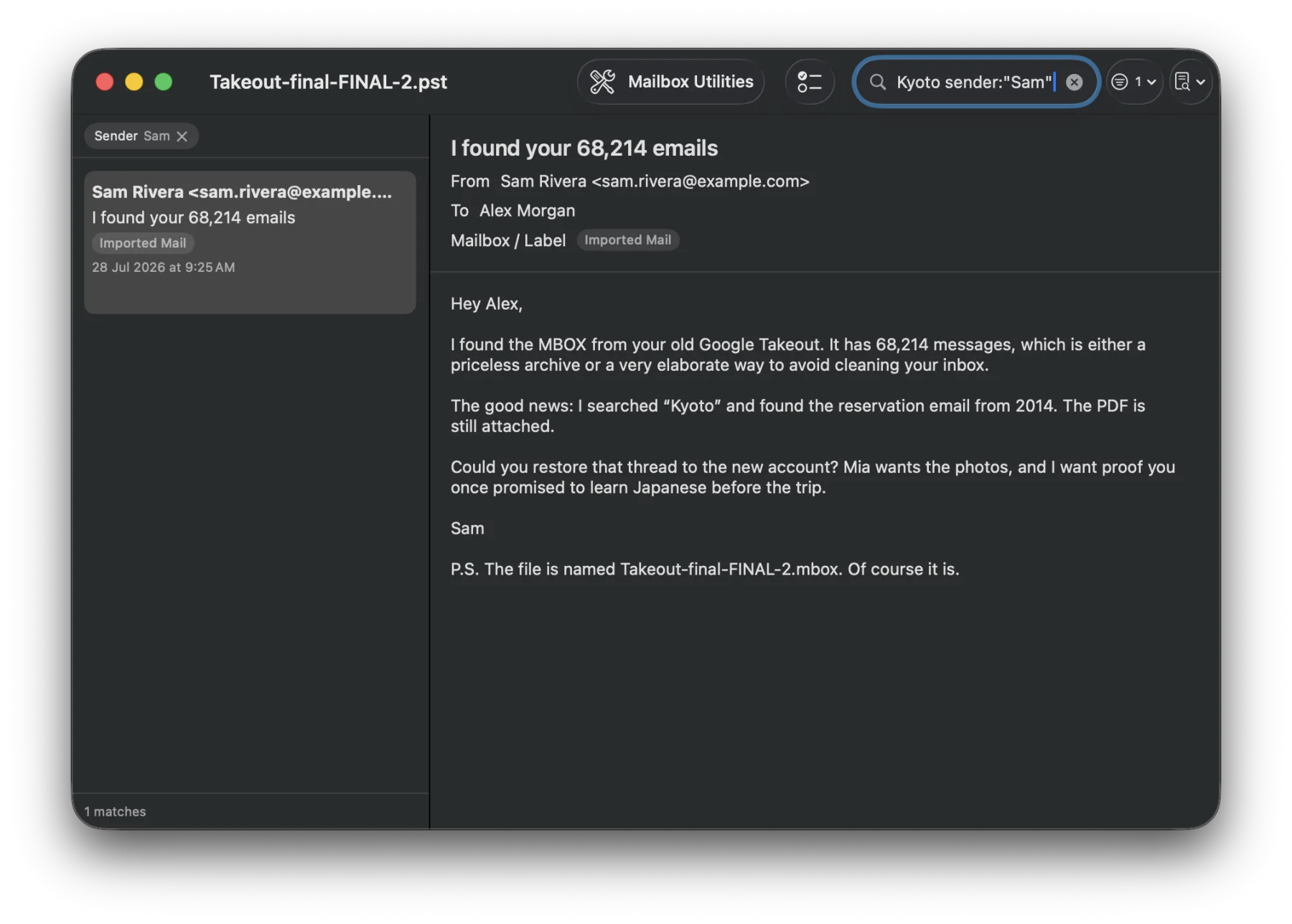
02 · Browse
Move through the original PST folder hierarchy and read messages in a familiar native Mac interface. Folder paths remain visible while the source PST stays read-only.
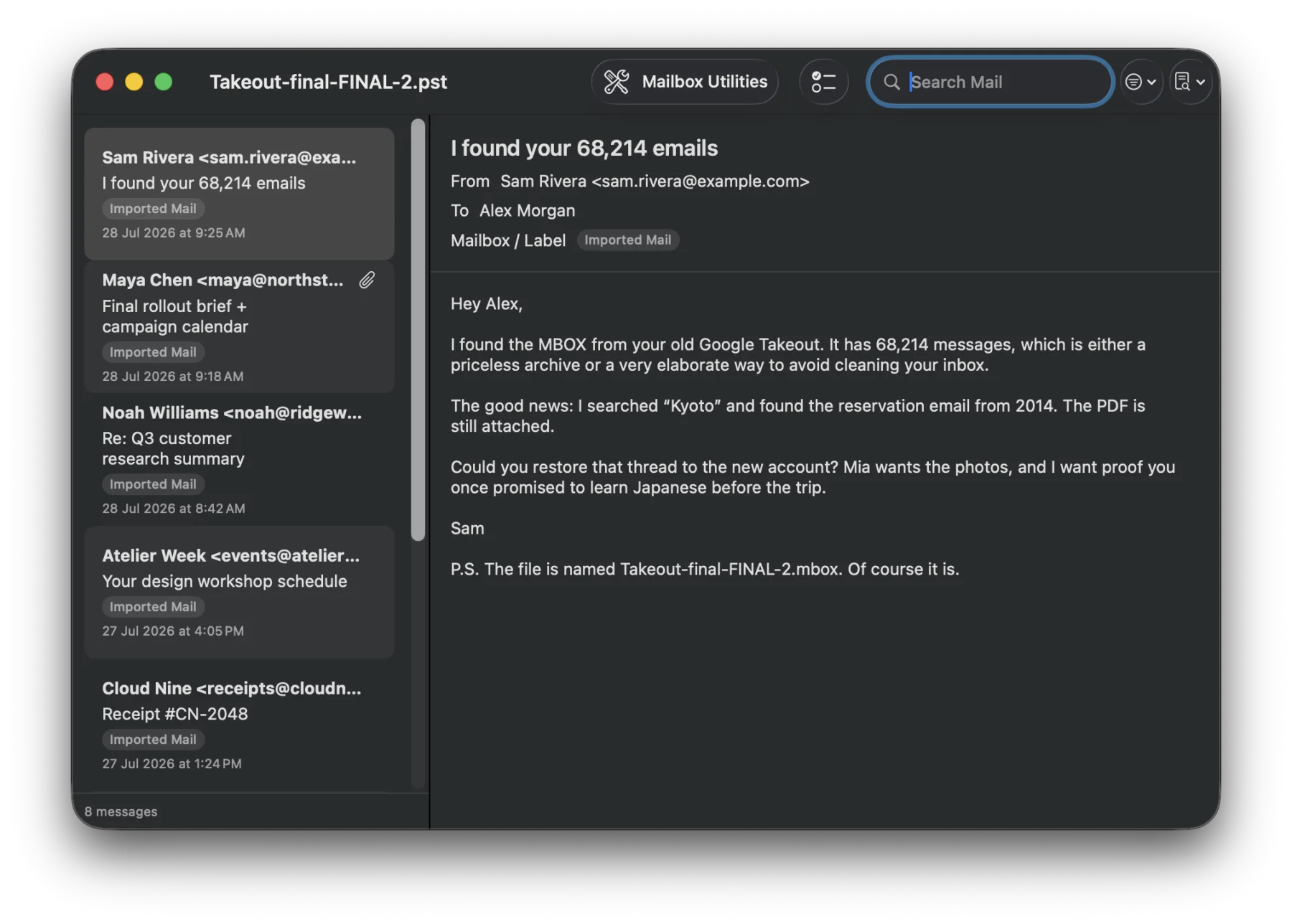
03 · Recover
Open and save individual attachments or extract them in bulk. Export selected messages as standard EML, collect unique contacts in a VCF file, and print messages or save them as PDF.
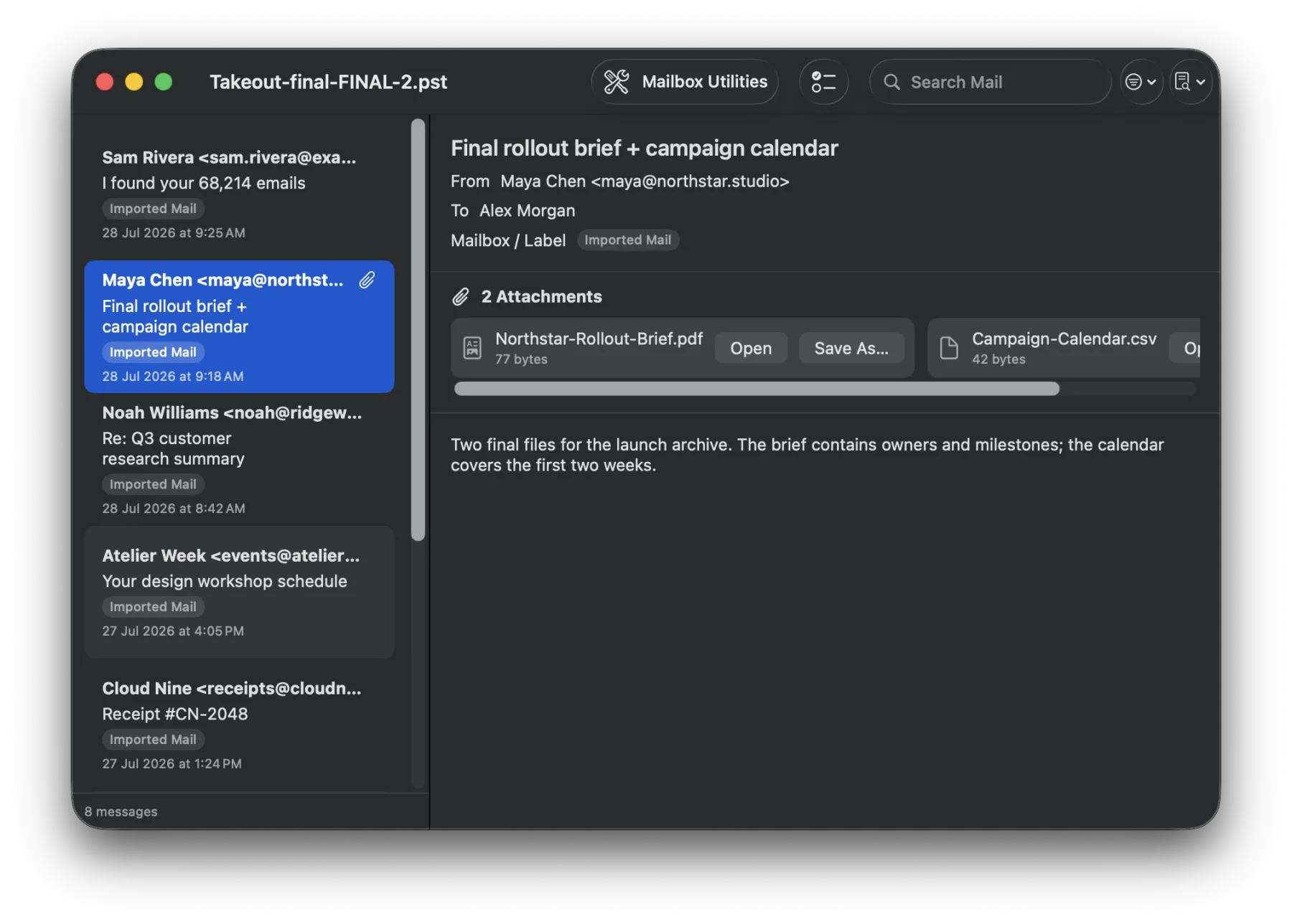
04 · Move
Export every convertible message as EML or write the complete archive to one standard MBOX file. When needed, restore selected messages or the full archive directly to a standard IMAP mailbox over verified TLS.
Private by default
Opening, indexing, searching, browsing, and exporting happen locally. No Technichor account is required. PST Office never changes the source archive, and remote images remain blocked until you choose to load them.
In development
Built for macOS 15 or later. No subscription planned.
Mac App Store release to follow